

All your instax™ photos, digitally in one place
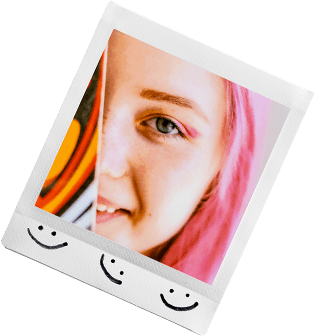

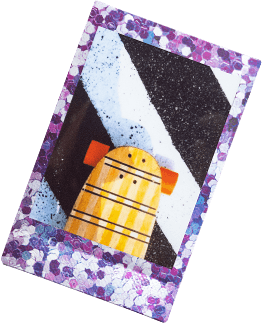






Step 1:Scan your instax™ photos in high quality
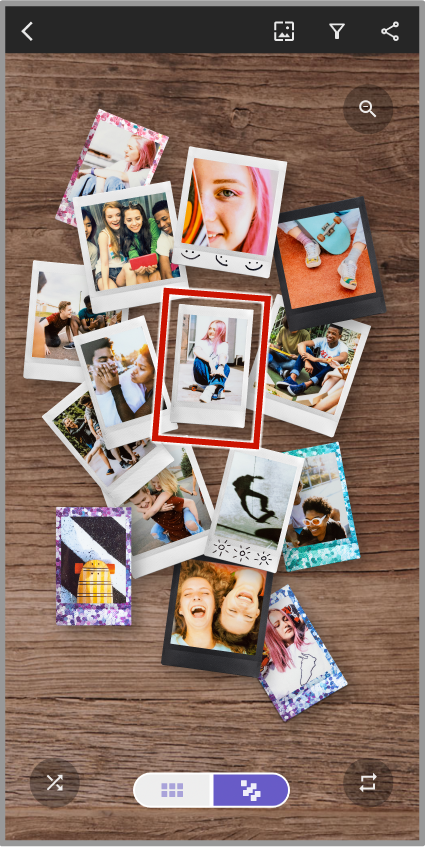
Step 2:Organise your collection of scanned instax™ photos
Step 3:Share your gallery across social media



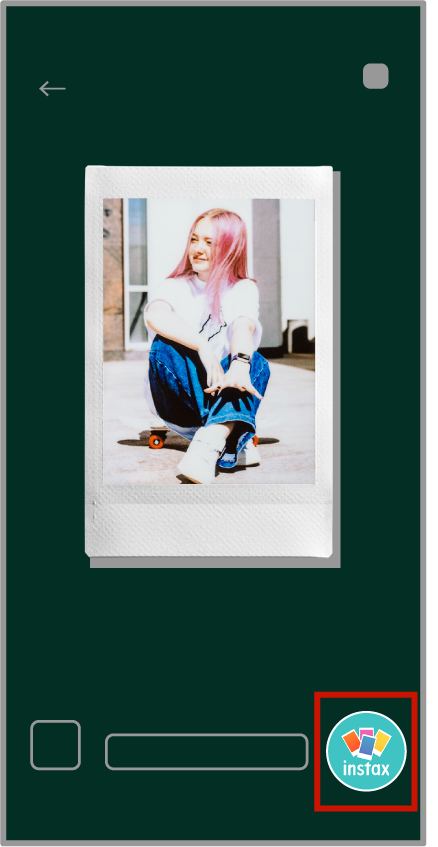
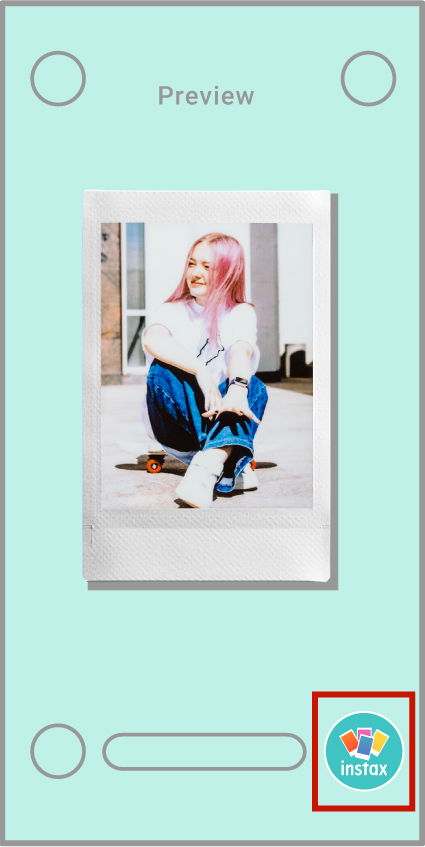
Scan any size instax™ photo with your smartphone to save it digitally.
You can even scan the photos you've decorated with handwritten notes or stickers.
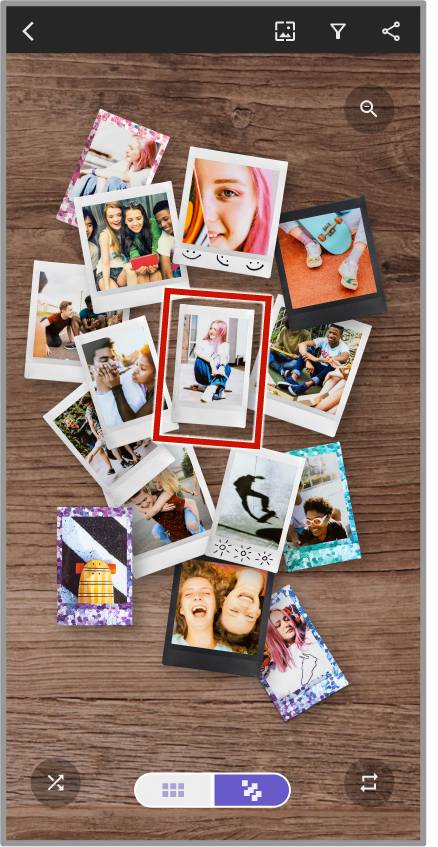
Create collections in two unique ways: "Box View" displays your instax™ photos in a digital "box".
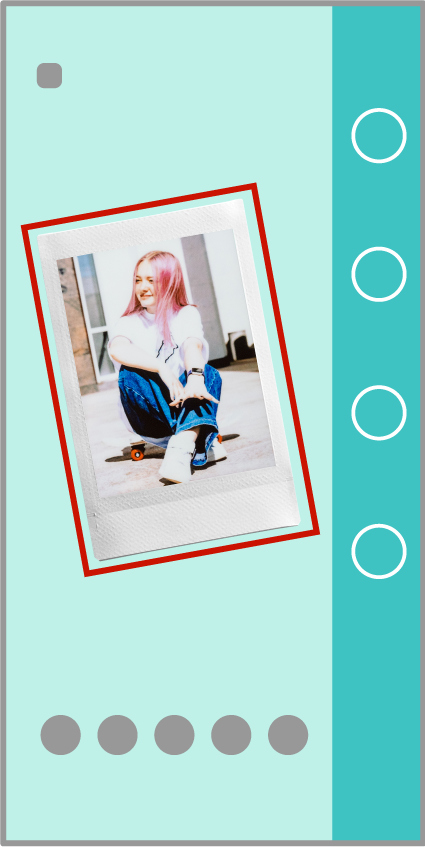
"List View" organises your scanned instax™ photos into a list.

Connect
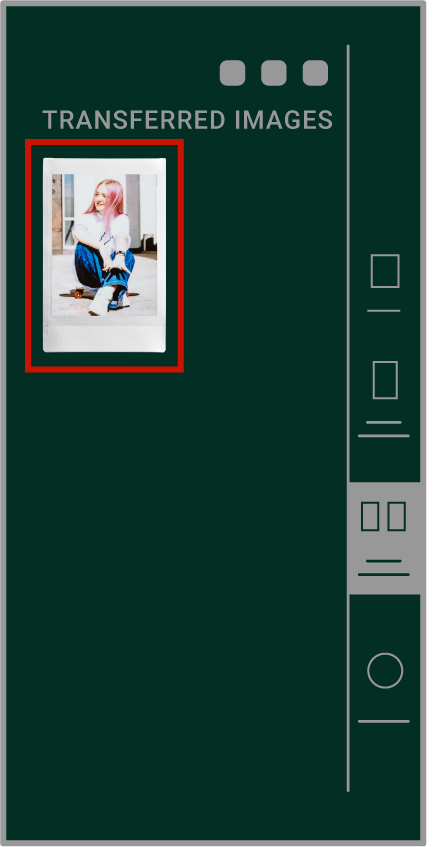
Transfer instax™ photos saved in other instax™ Apps to the instax UP!™ App.
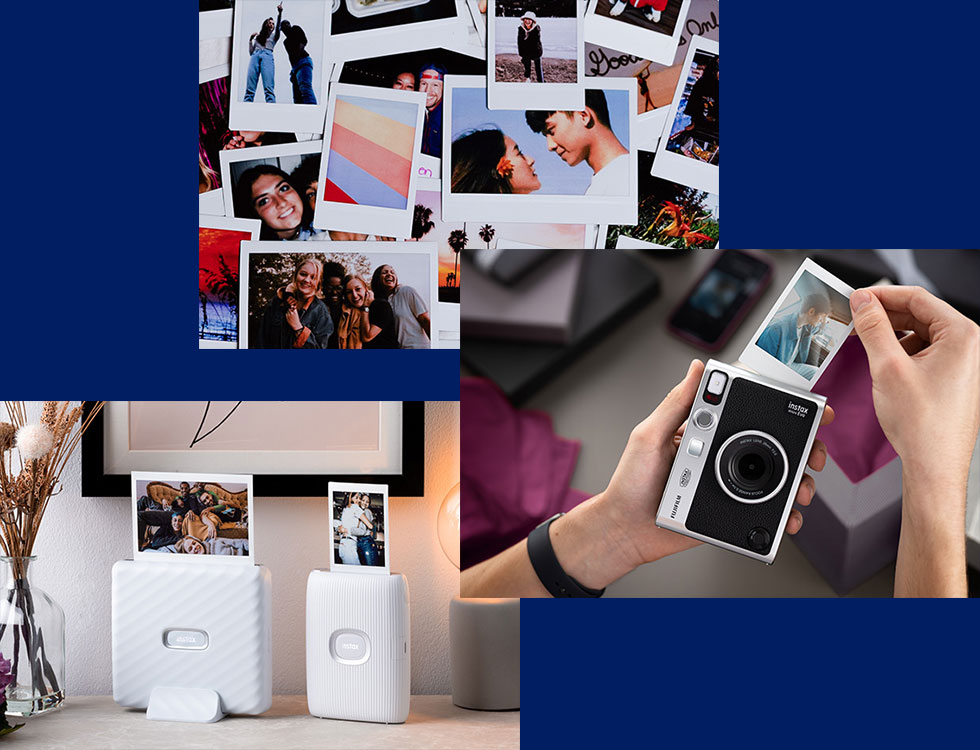
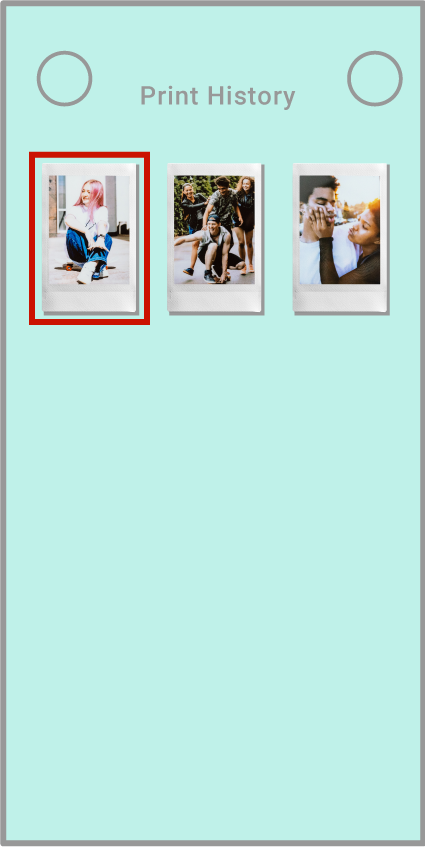
You can also store image data when printing with an instax™ Link series smartphone printer, instax™ mini Evo or instax™ mini LiPlay to create a collection combining of all your favourite instax™ photos!
To connect a compatible instax™ App, please update to the most recent version and download the instax UP!™ App.
Which app(s) do you have?


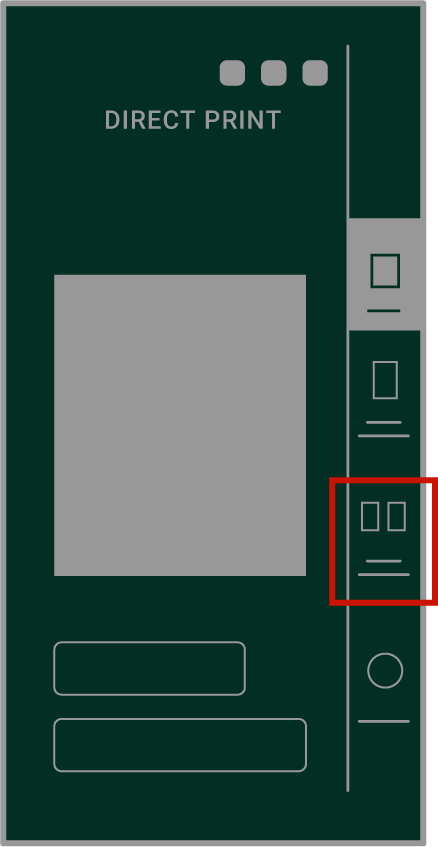






 button on the upper right of the screen to crop your image, then share the image on social media.